REVIEW · PRAGUE
Prague: Ticket to Audiovisual Light Art at Lumia Gallery
Book on GetYourGuide →Operated by Feex Factory s.r.o. · Bookable on GetYourGuide
Light in Prague, but make it interactive. The Lumia Gallery is an all- indoor audiovisual playground built on a massive 1400 m² projection space, where digital art reacts to you and pulls you from one room to the next. I love the sheer scale of the large-format video projections, and I also like the hands-on vibe of installations that let you play with light instead of just watching.
One thing to know up front: the exhibition can feel a bit short compared to a big museum. If you’re expecting endless rooms and hours of content, you might leave wanting just a little more.
In This Review
- Key things that make Lumia Gallery worth your time
- Step into Lumia Gallery’s 1400 m² light universe
- What you’ll see: Mars scenes, ocean-dark rooms, and spacewalk vibes
- How the interactive parts work (and what to do with them)
- The mirror maze and Photo Beast: two photo stops you’ll want to plan for
- How long to plan: a good 1.5-hour indoor adventure
- Getting value from the $17 ticket
- Comfort, safety, and who should skip it
- Practical tips to make your visit smoother
- Should you book the Lumia Audiovisual Light Art ticket?
- FAQ
- Where do I show my ticket?
- How much is the Lumia Gallery ticket?
- Is the ticket valid for more than one day?
- How long should I plan to spend inside?
- Is Lumia Gallery wheelchair accessible?
- Is the exhibition suitable for people with epilepsy or photosensitivity?
- Can I bring food or drinks into the gallery?
- What languages are staff available in?
Key things that make Lumia Gallery worth your time
- 1400 m² of projection area that makes the dark rooms feel unusually big
- Interactive elements like sound-reactive visuals and projections that encourage play
- Standout rooms such as the mirror maze and the Photo Beast photo stop
- Big-format media types, including videomapping, LED mapping, and 3D projections
- A visit that works well for all ages who like visual surprises, not just art lectures
Step into Lumia Gallery’s 1400 m² light universe
Your ticket gets you into the Lumia Gallery for its interactive digital art exhibition. This place is all about audiovisual experiences designed for modern senses: video projections, spatial installations, and light effects that change as you move and interact. The gallery’s size is part of the point—1400 m² of projection space is a lot, and it helps explain why the experience feels more like a dark playground than a typical showroom.
The layout is built for wandering room to room. There isn’t a lecture, and there’s no need to read an art history wall. You’re meant to walk through the labyrinth of light installations and let your eyes do the work. If you enjoy playful, tech-forward art (the kind that feels more like a game level than a painting), you’ll get it fast.
At the entrance, just show your ticket to get in. The host/greeter staff are available in English and Czech, which makes it easy to ask a quick question if you’re unsure where to start.
You can also read our reviews of more tours and experiences in Prague


What you’ll see: Mars scenes, ocean-dark rooms, and spacewalk vibes
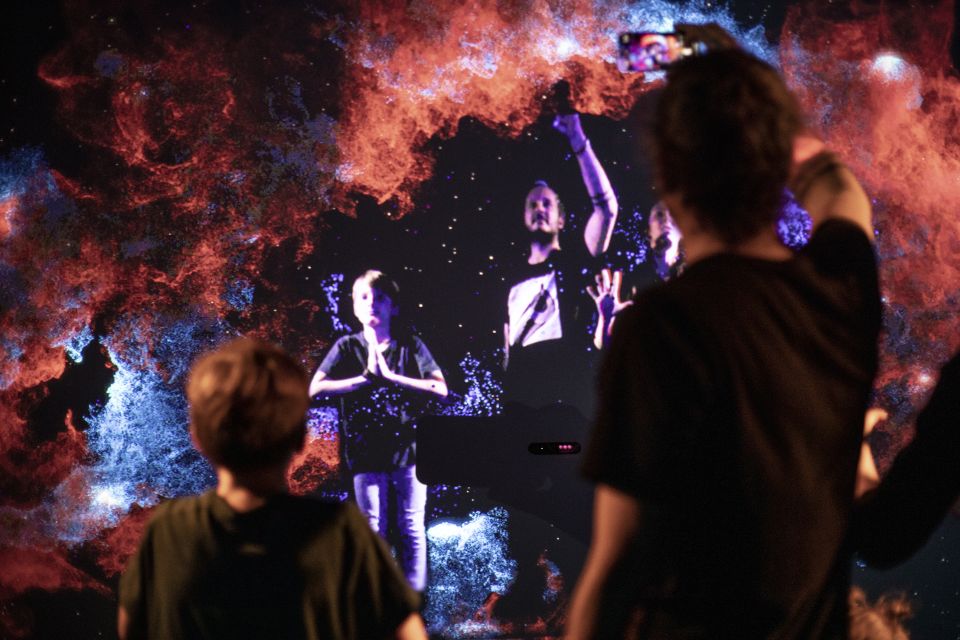
Lumia isn’t themed in one single way. Instead, it moves across different “worlds” made from light and video. You may come across large-format projections that simulate environments like a Mars surface, a dark ocean world, and even a spacewalk-style view through the galaxy. The point isn’t realism; it’s the feeling that your eyes are inside a moving digital set.
Expect a mix of:
- Large-format video projections and installations
- 3D projects and videomapping
- LED mapping, sometimes synced with music
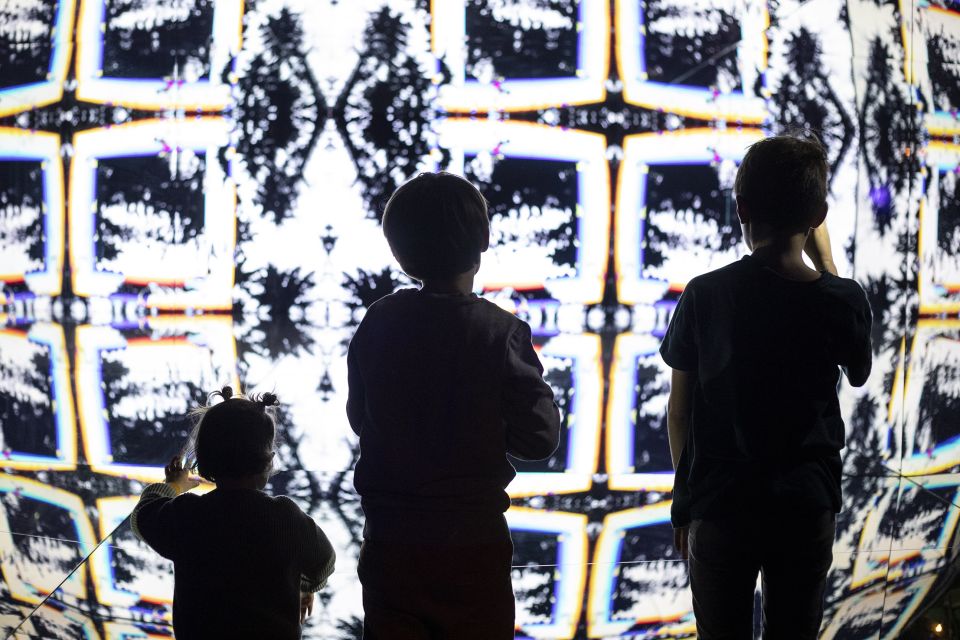
- Visual effects like kaleidoscopic cinema or a mirrored-room experience
The art style changes as you go. Some scenes feel cinematic—wide screens and slow motion effects. Others look more like interactive “machines” of light. That variety is a big reason people rate this so highly: you’re not stuck watching the same type of animation again and again.
And yes, it can be visually intense. If you prefer calm visuals, pace your visit. If you like being surrounded by light effects, you’ll probably want to slow down and watch details as you move.
How the interactive parts work (and what to do with them)
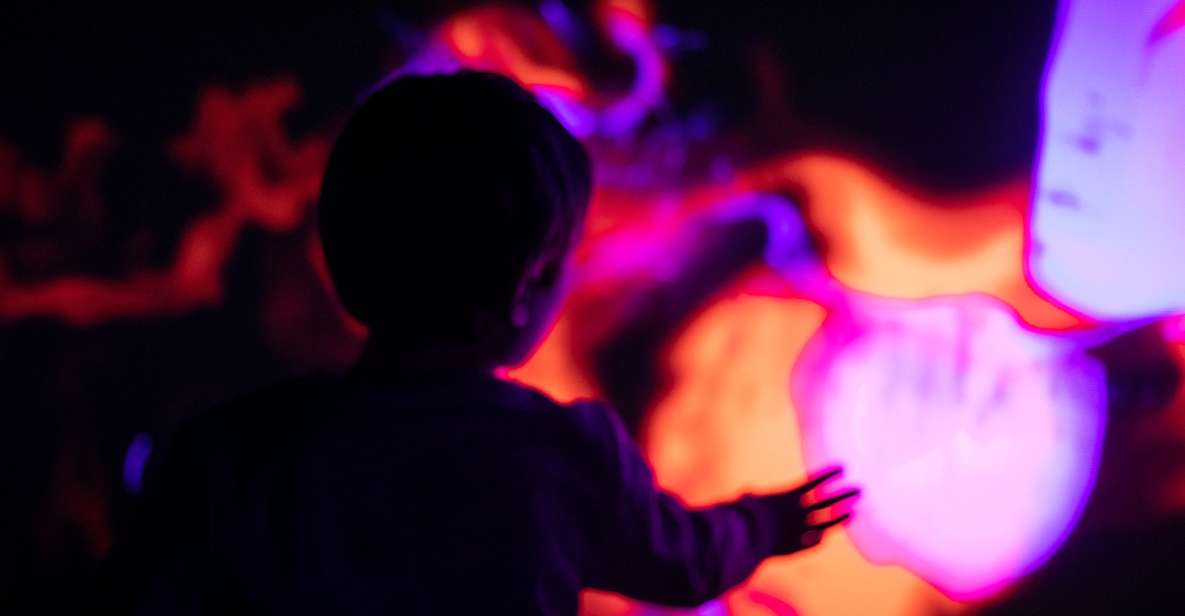
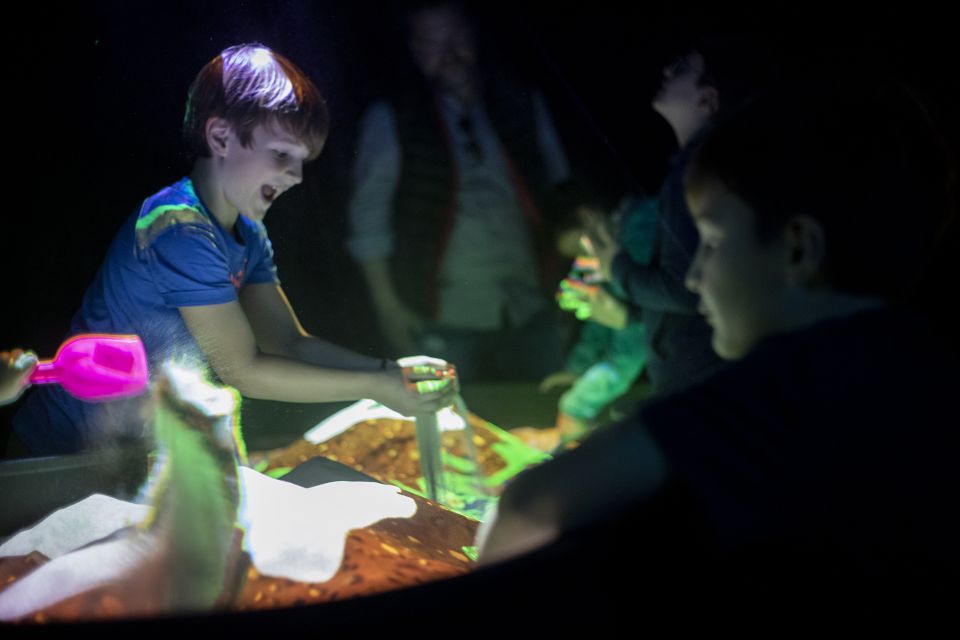
The best thing about Lumia Gallery is that it’s not only visual—it invites participation. You’re not just standing in front of a screen; you’re encouraged to play with the light using interactive projections and light-based installations.
From the description and the way people talk about the experience, the interaction tends to come in a few forms:
- Interactive projections that respond to your movement or presence
- Visual representation of sound, where audio and visuals connect
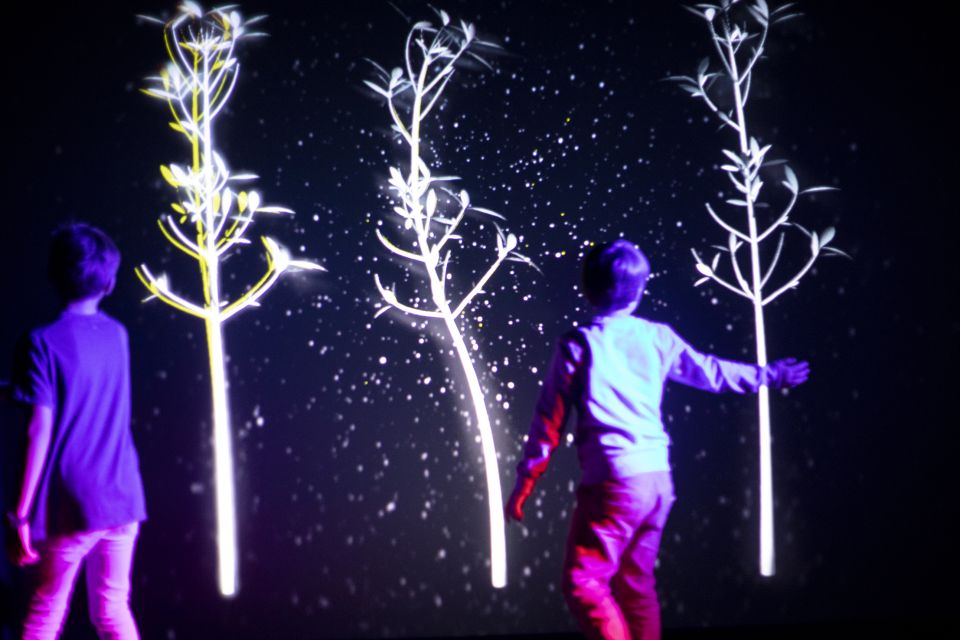
- Sound-reactive light installations, including light-tree style scenes
- Visual effects that feel personal, like your perception is part of the artwork
So what should you do while you’re there? Use your body. Move slowly, then move faster. Stand still for a moment, then shift position and watch what changes. In places like mirror-style rooms, try different angles—small changes can dramatically alter what you see.
Also, don’t rush. With this kind of audiovisual art, the moments that feel most fun often happen when you give it time to react. Think of it as exploring, not consuming.
The mirror maze and Photo Beast: two photo stops you’ll want to plan for
Two parts of the experience get extra love: the mirror maze and the Photo Beast photo moment.
The mirror maze is exactly what it sounds like: a light-and-reflection space where the visuals warp your sense of direction and scale. It’s the kind of installation that’s fun even if you don’t care about digital art much. You go in thinking you’ll just take a quick look, and then you start experimenting—turning, stepping back, and watching the reflections rearrange the room.
Photo Beast is a different kind of payoff: it’s a photo-related keep-sake stop tied to the exhibition. If you like having something physical to remind you later, this is where you’ll want to spend a bit of extra attention. Bring your best pose energy, because the whole point is that the light makes the photo feel like part of the show.
If you’re visiting with kids or a group, these two spots are also good “anchor points.” You can meet back there if you get separated.
How long to plan: a good 1.5-hour indoor adventure
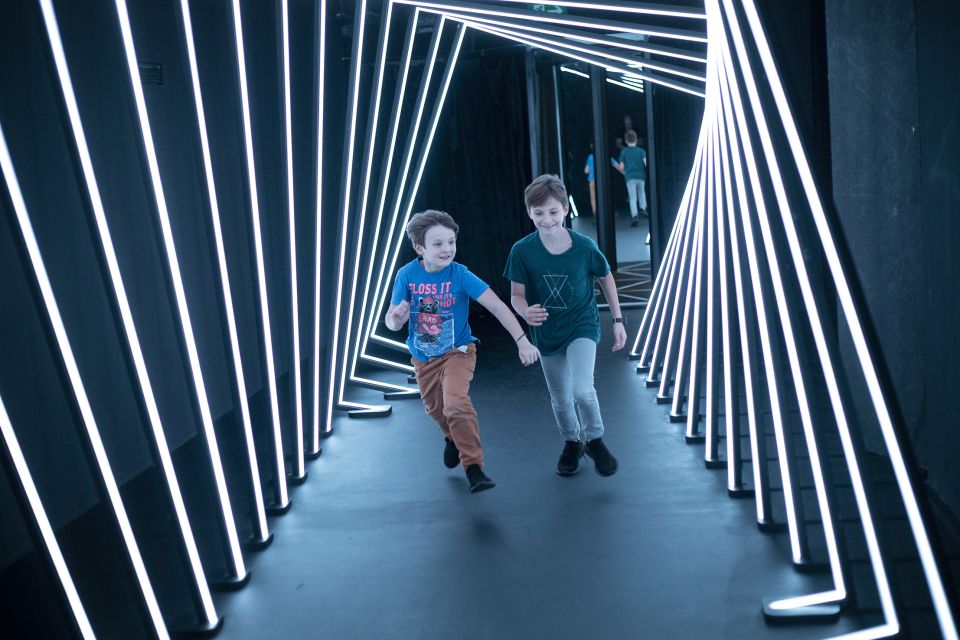
The exhibition doesn’t feel like a half-day commitment. One of the clearest signals from visitor timing is that many people spend about an hour and a half in the gallery, often because it’s packed but moving.
So I’d plan like this:
- Go in with a relaxed pace, and you’ll likely be there around 90 minutes
- If you stop a lot for photos and repeat interactive moments, plan closer to 2 hours
- If you’re a fast walker who only targets the major rooms, it could feel shorter
There’s no assigned “tour route,” so your time depends on how many installations you linger in. If you hate rushing, take your time in the mirror-based area and at any sound-reactive displays, where the magic is in watching how effects change.
If you’re visiting during a rainy day in Prague, this is a strong option because it’s indoor, ticketed, and designed to keep you entertained without planning a whole day of logistics.
You can also read our reviews of more museum experiences in Prague






Getting value from the $17 ticket
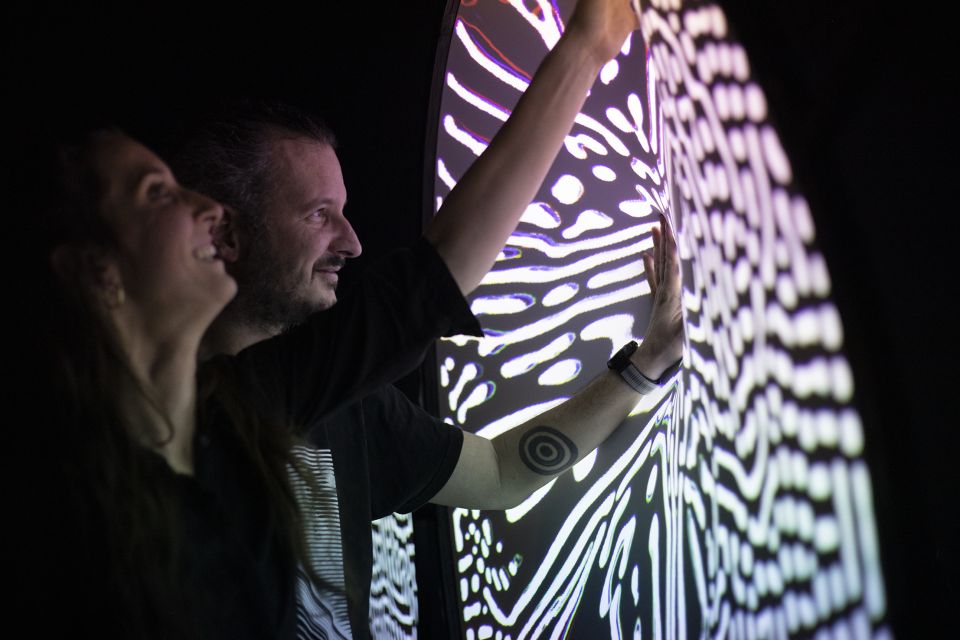
At about $17 per person, Lumia Gallery sits in the sweet spot for experiences that are affordable but still feel special. You’re paying for a ticket into a large interactive exhibition rather than a one-off show. And because it’s built on big projections and multiple room experiences, it doesn’t feel like a quick gimmick—especially if you enjoy hands-on visual art.
Here’s the value equation that matters:
- If you like interactive art and sound-connected visuals, you get plenty of “trying it” moments
- If you like taking photos, the Photo Beast and mirror areas give you a built-in reason to slow down
- If you’re traveling with kids, there’s enough variety to keep attention without heavy reading
The balanced part: some people feel there aren’t enough installations to justify more time. In other words, it’s a compact exhibition. If you go in expecting museum-length depth, the experience might feel short. But if you’re looking for a fun, modern, visually driven stop, it’s a fair price.
Also, the exhibition is rated 4.4 on a large number of bookings, which is a good sign that the concept consistently delivers.
Comfort, safety, and who should skip it
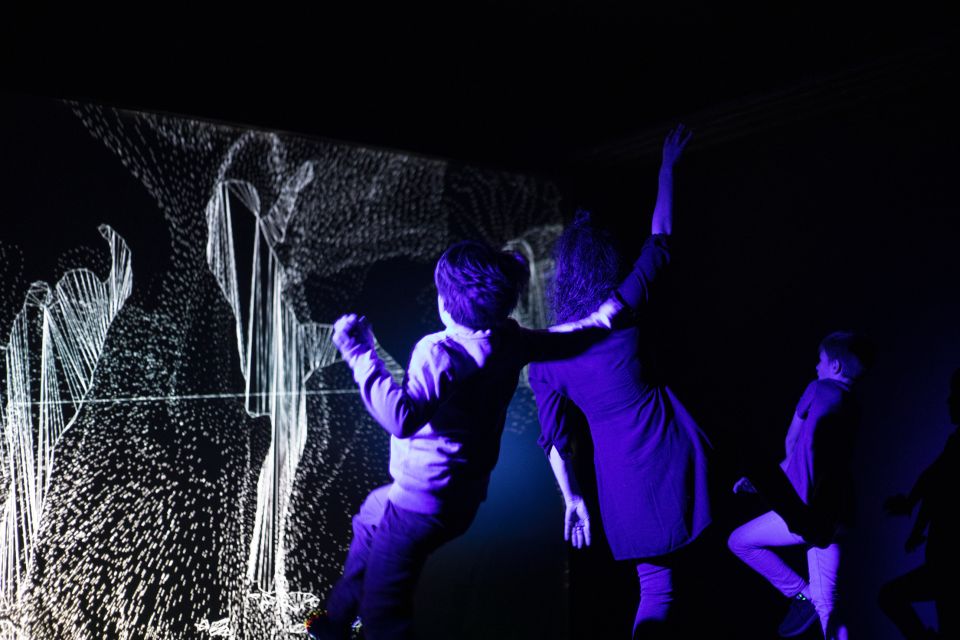
This is important. The gallery is intentionally dark and uses light effects that can be intense.
It is not suitable for:
- People with photosensitivity and photosensitive epilepsy
- People with vertigo
It’s also wise to consider comfort if you’re sensitive to flashing or strong visual effects. If you know your body doesn’t like rapid light changes, don’t take chances here.
Practical rules also matter:
- No food and drinks are allowed
- No alcohol and drugs are allowed
On accessibility: the 2nd floor is fully wheelchair accessible. Wheelchair users can request transportation by elevator to the 3rd floor, which is also wheelchair accessible. If you need elevator help, ask staff on arrival.
Since it’s a self-paced exhibition in a dark environment, bring your usual indoor-comfort sense: wear shoes that work on smooth floors, and move slowly in areas with lots of reflections.
Practical tips to make your visit smoother
These are small things that can improve the experience a lot:
- Wear clothes you don’t mind getting a little warm or crowded in. Projection-heavy rooms can feel warm.
- Take one short break if your eyes get tired. The show is visually busy in the best way, but you don’t need to power through everything back-to-back.
- Aim to visit when you can move comfortably. If you’re going as a couple or solo, you’ll likely enjoy the interactive parts more when you’re not constantly waiting for space.
- Don’t just watch the biggest screen. Some of the fun happens in the small interaction moments where effects respond to you.
If you care about photos, do the Photo Beast stop intentionally rather than accidentally. You’ll get better shots when you’re not rushing between rooms.
Should you book the Lumia Audiovisual Light Art ticket?
Book it if you want a low-effort, high-imagination activity in Prague—especially on a rainy day or when you want something different from cathedrals and cobblestones. This is ideal for families, couples, and anyone who likes modern digital art that invites play. The mirror maze and Photo Beast are worth targeting, and the sound-connected visual ideas make it feel like more than just pretty lights.
Skip or think twice if you have photosensitivity, photosensitive epilepsy, or vertigo. In those cases, this isn’t the place to test your limits.
So my practical take: if you’re curious about audiovisual art and you’re happy with an experience that’s fun, interactive, and compact, the ticket is a strong value at around $17.
FAQ
Where do I show my ticket?
Show your ticket at the entrance to the Lumia Gallery.
How much is the Lumia Gallery ticket?
The price is listed as $17 per person.
Is the ticket valid for more than one day?
Yes. The ticket is valid for 2 months, so you can choose your starting time based on availability.
How long should I plan to spend inside?
You should plan for roughly 1 to 2 hours, since many visitors report spending about an hour and a half.
Is Lumia Gallery wheelchair accessible?
The 2nd floor is fully wheelchair accessible. Wheelchair users can be transported to the 3rd floor (which is also wheelchair accessible) by elevator upon request.
Is the exhibition suitable for people with epilepsy or photosensitivity?
No. The exhibition is not suitable for people with photosensitivity and photosensitive epilepsy.
Can I bring food or drinks into the gallery?
No. Food and drinks are not allowed inside.
What languages are staff available in?
The host/greeter is available in English and Czech.